How to Fill And Submit YouTube Tax Form 2021 For 24% Deduction
How to Fill And Submit YouTube Tax Form 2021 For 24% Deduction
New update from YouTube to all creators who earn revenue through YouTube, regardless of where they are in the world, are required to provide tax information. Please provide your tax information as soon as possible. If your tax information is not submitted by May 31, 2021, Google may be required to provide up to 24% of your global revenue.
You can follow the instructions below to submit Google your tax information. Note that you may be required to re-submit your tax information every three years.
How to Fill And Submit YouTube Tax Form
The following below are steps to follow Submit YouTube U.S Tax Info
Read Also=>> 20 Website Download Books For Free
Go to your AdSense account ._ Click Payments.
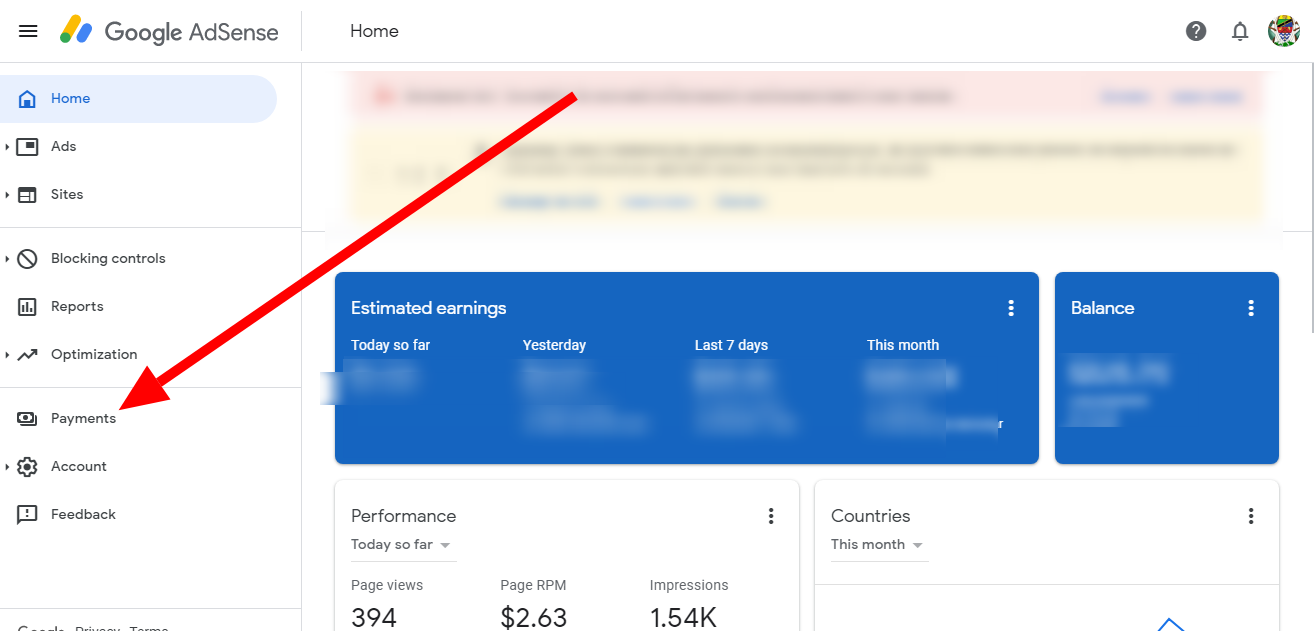
Click Manage settings. _ Scroll to “Payments profile” and click edit  next to “United States tax info”.

Click Manage tax information. On this page you’ll find a guide that will help you to select the appropriate form for your tax situation
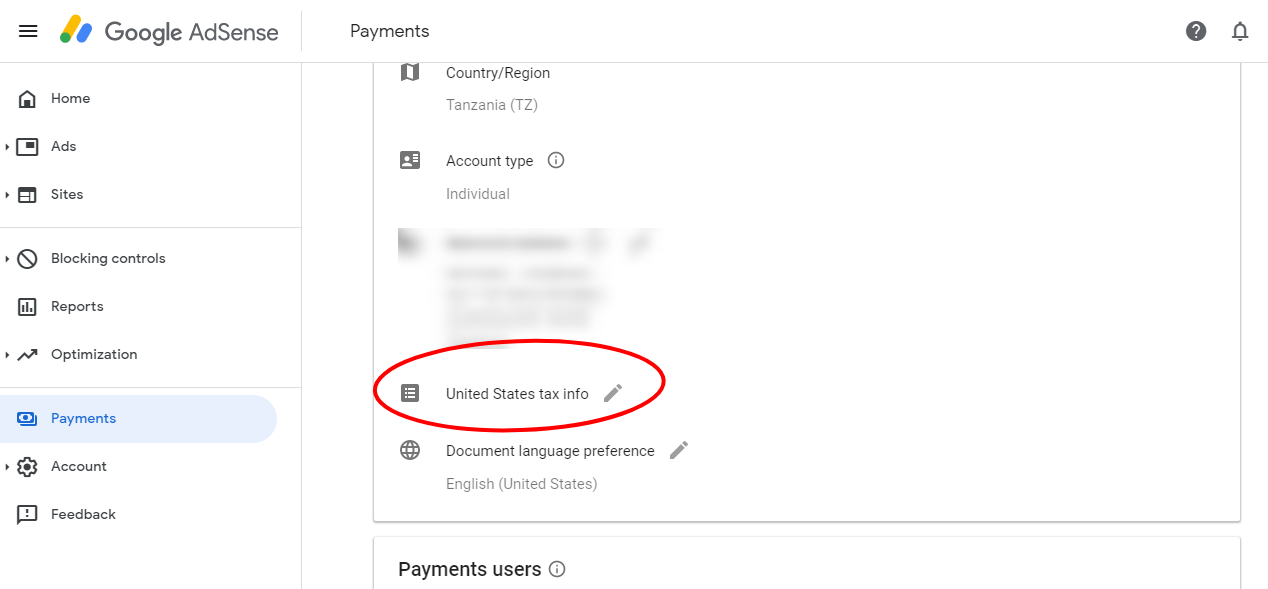
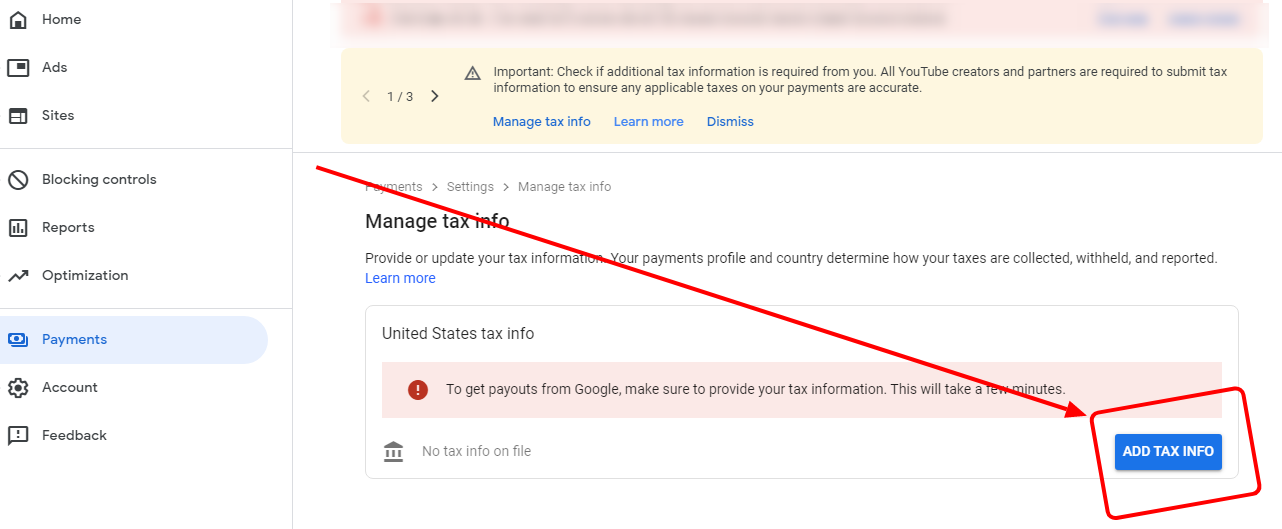
It will take you to this section
Then click add tax info
Now fill this form like this if you are non US
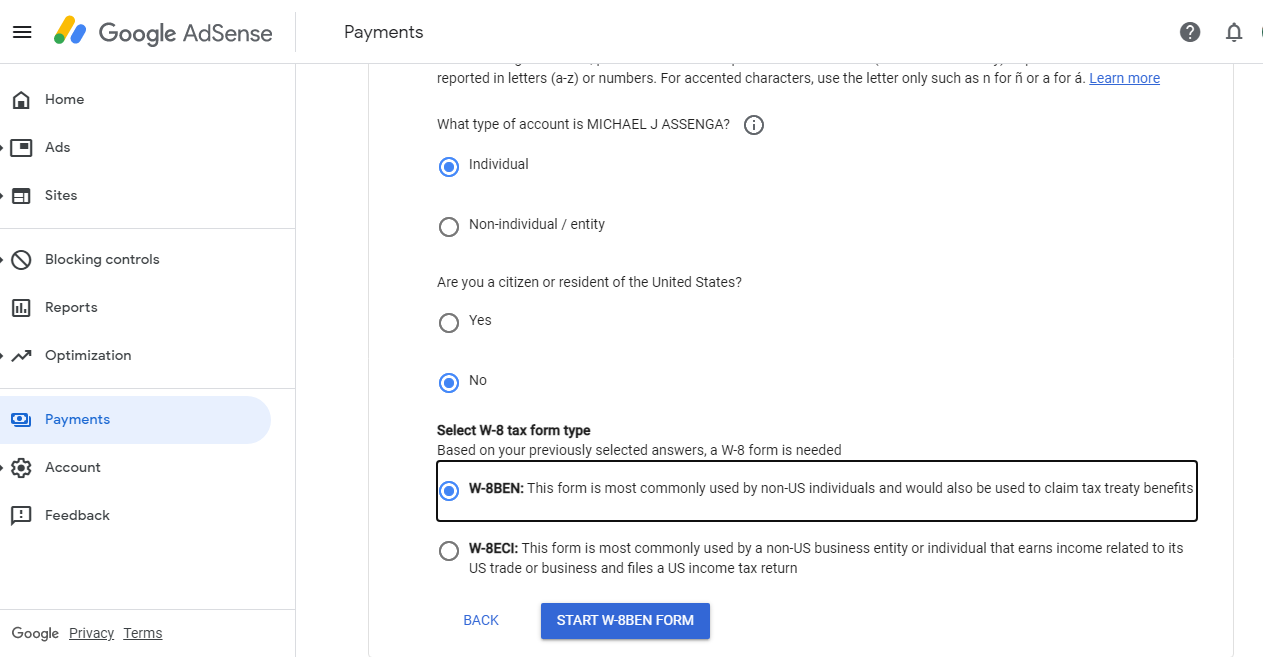
Then click Start W-8BEN FORM
Then fill like this
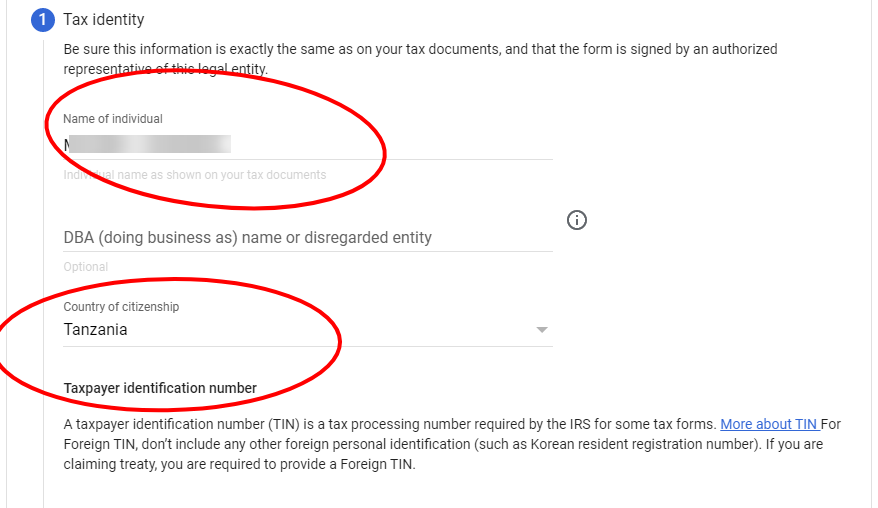
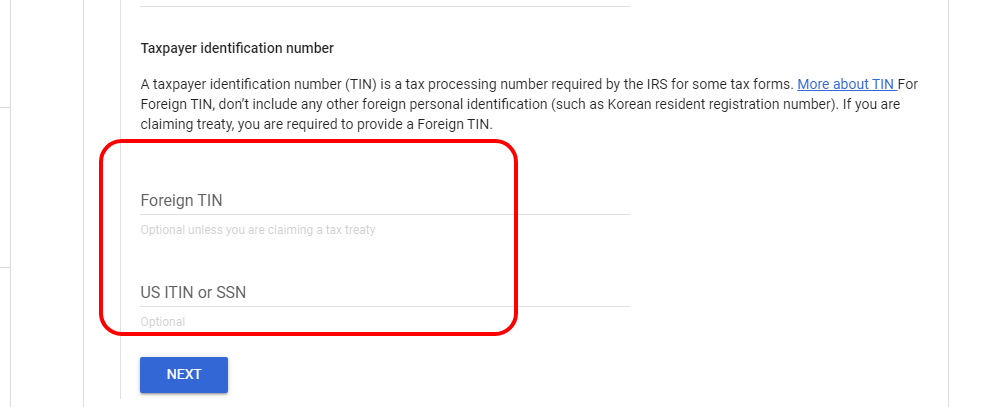
Do not fill this area if you are not US Citizen and your country does not have tax threat with US👇 click next
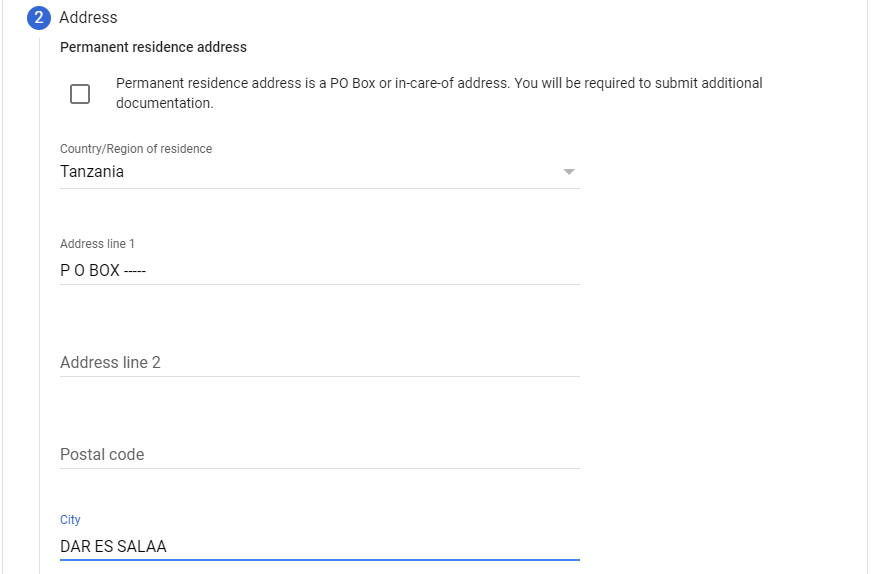
Then fill your addresses
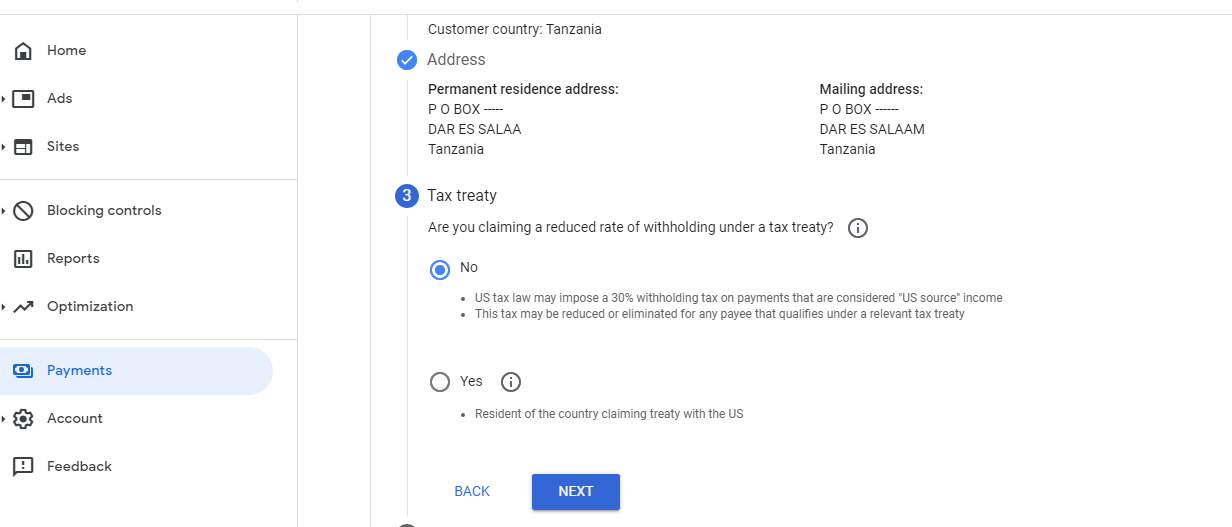
Tax threat for no US citizen fill like this👇 then click Next
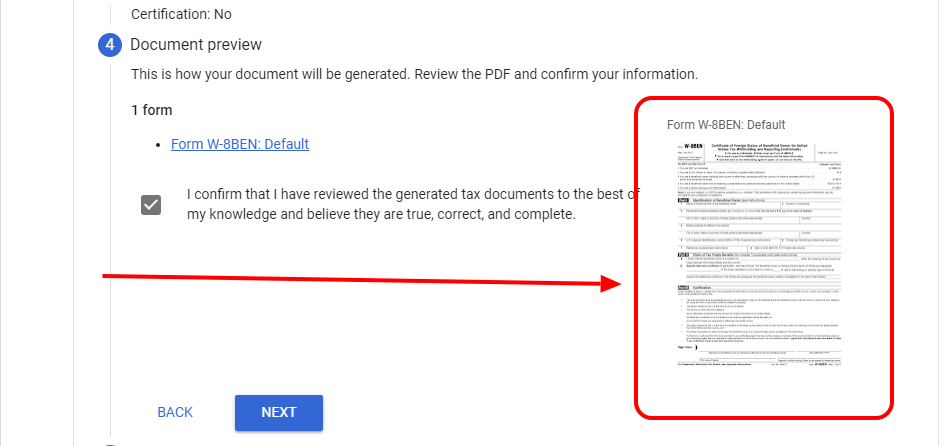
Preview this form and then click tik and then next👇
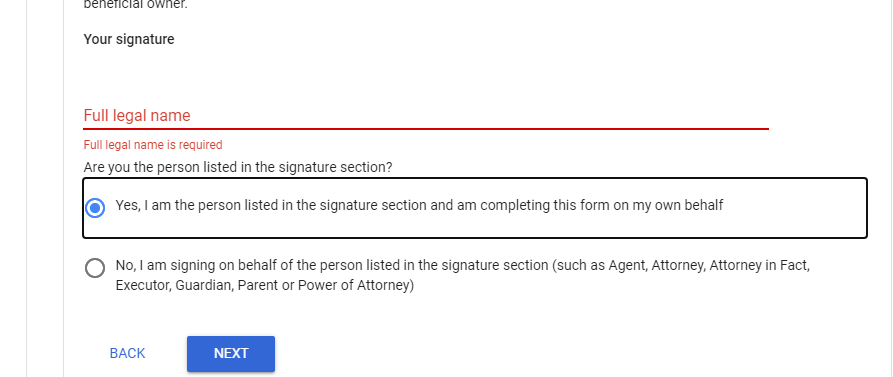
Activity Fill like this for non Us Citizen👇

Submit
After fill required data the next step is this you have to submit you tax form for approve

Out Put
After submitting your form you will see such out bleow
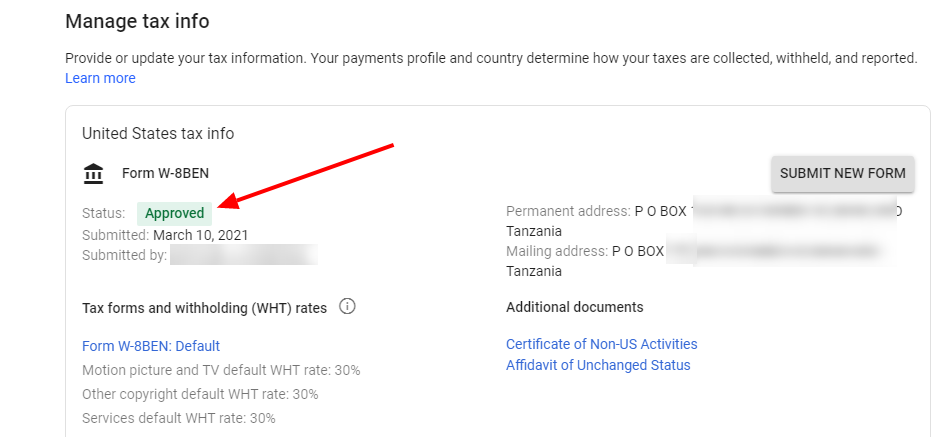
up to there you will have done Fill And Submit YouTube Tax Form
How to Fill And Submit YouTube Tax Form, Google AdSense tax information, how to update tax information in google ads,


No comments